CX Release 5.28.2026
Features and Improvements
Bulk Status Updates for Tasks
We have added a status option to the bulk actions menu for tasks. We have done this so TPAs no longer need to update task statuses one at a time when working through their book of business. TPAs can now select multiple tasks and update their status in a single action, dramatically reducing the time required to keep workflows current.
External Contacts in Plan-Level Bulk Actions
We have added external contacts to the attributes available in plan-level bulk actions. We have done this so external roles — such as cpas, advisors, and other outside parties — can be managed alongside internal roles. TPAs can now add, update, or remove external contacts across multiple plans at once from the plans page, with all external role types listed below the internal role types in the attributes dropdown.
Clearer Census Instructions on the Client Portal
We have updated the census instruction wording on the client portal to remove the ambiguous use of "last plan year." We have done this to eliminate confusion for plan sponsors who interpreted the same phrase to mean two different time periods within the same instructions. TPAs can now expect cleaner, more accurate census submissions because their clients receive clearer guidance on which employees to include and which hours to report.
Bug Fixes
Participant View — We fixed an issue where clicking the distribution date or add loan payment date in the loan section was unresponsive, preventing TPAs from saving distribution dates or recording loan payments.
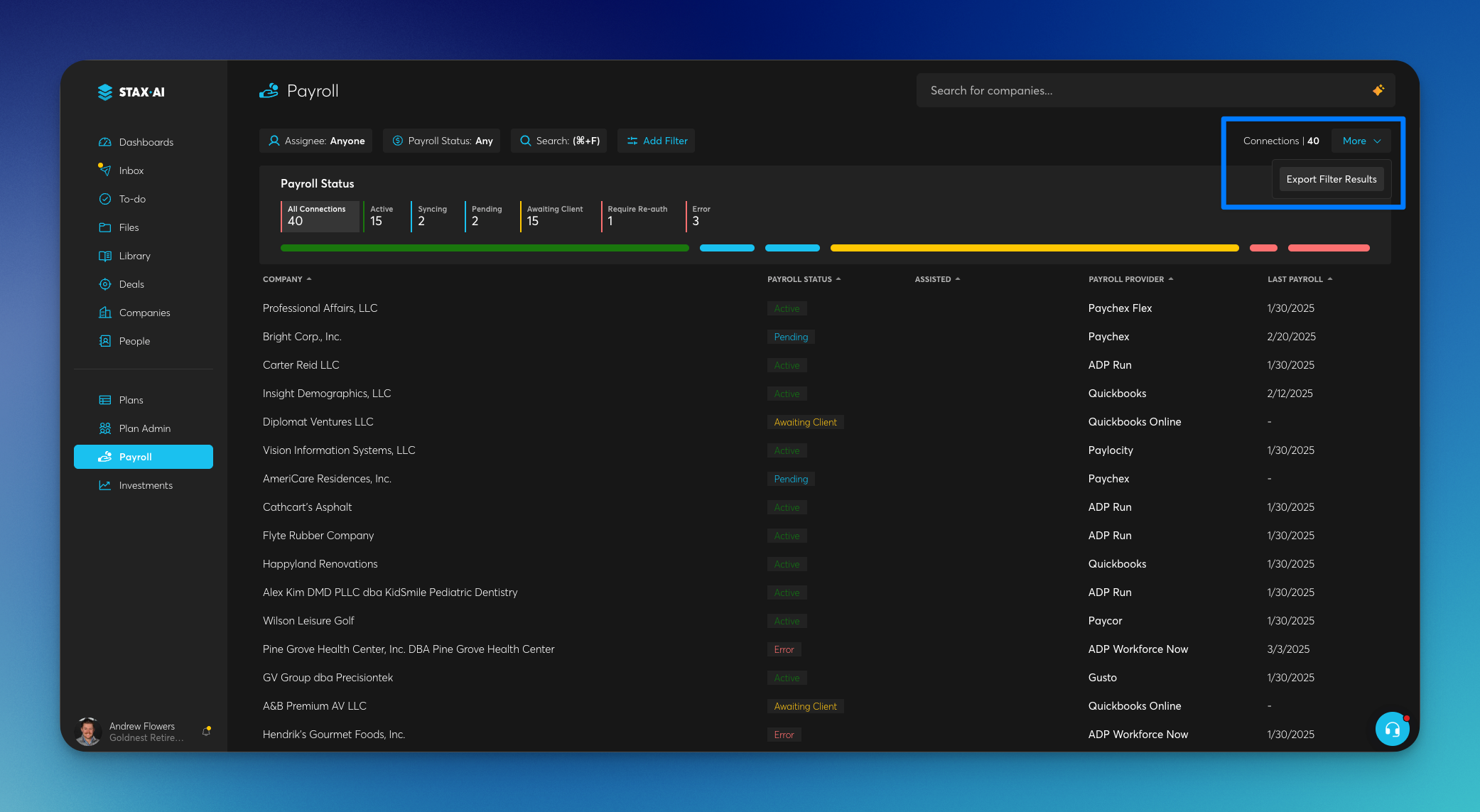
Payroll Reporting — We resolved an issue where payroll exports returned incomplete results and included incorrect information, ensuring exported payroll files now reflect accurate and complete data.
Plan Admin — We fixed an issue where entering a number in plan admin fields displayed 0.00 after pressing enter, requiring a refresh to show the saved value.
Payroll Reporting — We fixed an issue where Roth employee contributions sometimes were missing from the payroll report due to a parsing error on column names that contained periods.
Dashboards — We resolved an issue where dashboard tasks were grouped under incorrect headings until the screen was refreshed.
Automations — We fixed an issue where the "Collect Info via Web Form" automation did not complete after the form was submitted, leaving tasks in a spinning state and the form data unsaved.
Automations — We resolved an issue where APQ automations failed to auto-generate or save the questionnaire output, leaving plan projects stuck "on hold."
Client Portal — We fixed an issue on the census data collection task where the payroll page could not be scrolled, blocking access to the upload census/payroll report link.
Automations — We resolved an issue where the "Save Generate Reports" automation intermittently failed to save reports to view fields even when the upstream report generation steps completed successfully.